
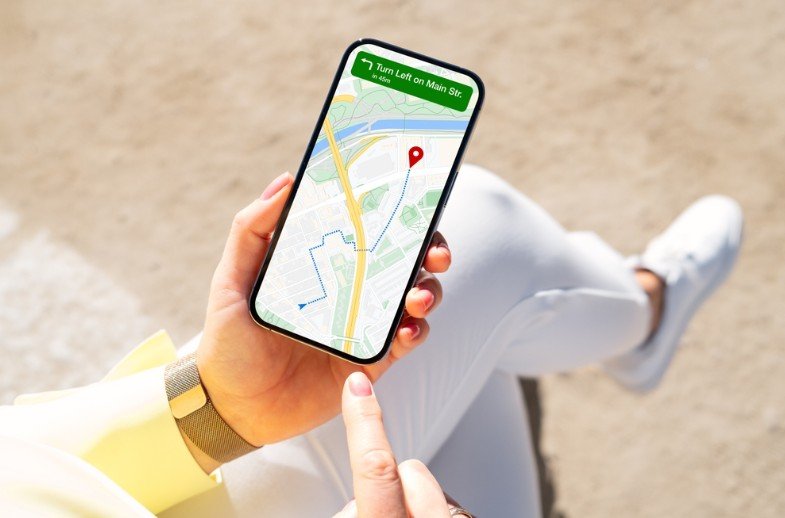
How to use Google Maps without internet?
Google Maps cannot be used if the phone does not have an internet connection. However, Google Maps has a feature that allows this app to be used without an internet connection.
1. To use Google Maps’ offline feature, you first need to download a map of the area.
2. To download the map, first launch Google Maps and click on the name of the area for which you want to download the map.
3. Once the map is downloaded, you can view and use it offline.
4. To use offline maps, first launch Google Maps. Select the location you want to view. You can view the map even if you don’t have an internet connection.
5. Now search for the place you want to see the map of. Now click on Instructions. See public transport lines and stations.
6. However, offline maps may not have the latest information. The traffic information feature may not work due to lack of internet.